Creator workflow
How to Choose a YouTube Video Editing Service
A practical way to compare editors: start with the work, define the scope, and check how feedback and delivery actually happen.

Choosing a YouTube video editing service is less about finding the fanciest effects and more about finding a partner who understands the job your next video needs to do. A tutorial needs clear steps; a review needs evidence and a fair comparison; a vlog needs enough connective tissue to feel like a story. The right fit can make the work easier to hand off without taking the editorial decisions away from you.
Use the checks below to compare services before you send footage or commit to a package. The questions apply whether you hire a freelance editor or work with a team such as EdiCut’s YouTube editing service.
Start with the job the edit must do
Write one sentence about the viewer and the value of the video: “A first-time home baker should be able to follow this recipe without guessing,” or “A new camera buyer should understand the trade-offs before comparing models.” This gives an editor a useful north star. “Make it engaging” describes a hope, not an editing decision.
Then note the format and the material available. Is the recording a single talking-head take, a two-camera conversation, screen capture with narration, or a vlog assembled from many clips? Does the editor need to find the strongest moments in a long recording, or will you provide selects and timestamps? These are different amounts and kinds of work. An editor should understand them before quoting or confirming scope.
Inspect relevant work, not just a highlight reel
Look for examples close to your format and editing needs. Watch enough of each example to see how the editor handles the opening, transitions between ideas, quiet moments, audio changes, and the ending. A fast montage can demonstrate visual taste, but it may not show whether the person can organize a ten-minute explanation or preserve a natural conversation.
Ask what part of a sample the service produced and whether the example reflects the style you are discussing. If a portfolio uses reference examples, treat them as prompts for discussing direction rather than proof of that service’s own work. EdiCut’s portfolio currently presents credited reference examples; ask the team whether they can share EdiCut-produced work relevant to your format.
- Does the opening establish the subject without promising something the video cannot deliver?
- Can you follow the argument or sequence without needing to rewind for missing context?
- Do graphics, captions, music, and effects support the point, or compete with it?
- Does the pacing suit this subject, rather than copying a style from an unrelated genre?
Compare scope line by line
A headline price has little meaning without a defined workload. Compare the maximum raw-footage length, target finished length, included deliverables, revision rounds, expected timing, and any limits on graphics, captions, sound work, or sourcing. Clarify who supplies music, B-roll, logos, and other assets, and who checks usage rights. Ask how add-ons or work beyond the agreed limits are handled.
Check whether the quote covers one upload or a recurring plan, and how much editing time a monthly arrangement reserves. Do not assume a thumbnail, vertical cutdown, transcript, source project, or alternate version is included. EdiCut lists current package scope on its pricing page; the team confirms footage limits, finished length, treatment, schedule, and revisions before work begins.
Check the feedback workflow
A useful process gives both sides a place to resolve specific decisions. Ask how footage is shared, where you watch the first cut, how you leave timestamped notes, and how the editor confirms which revision requests are in scope. Learn whether one person collects feedback from collaborators. Conflicting notes from several reviewers can send an edit in circles, so appoint a final decision-maker on your side.
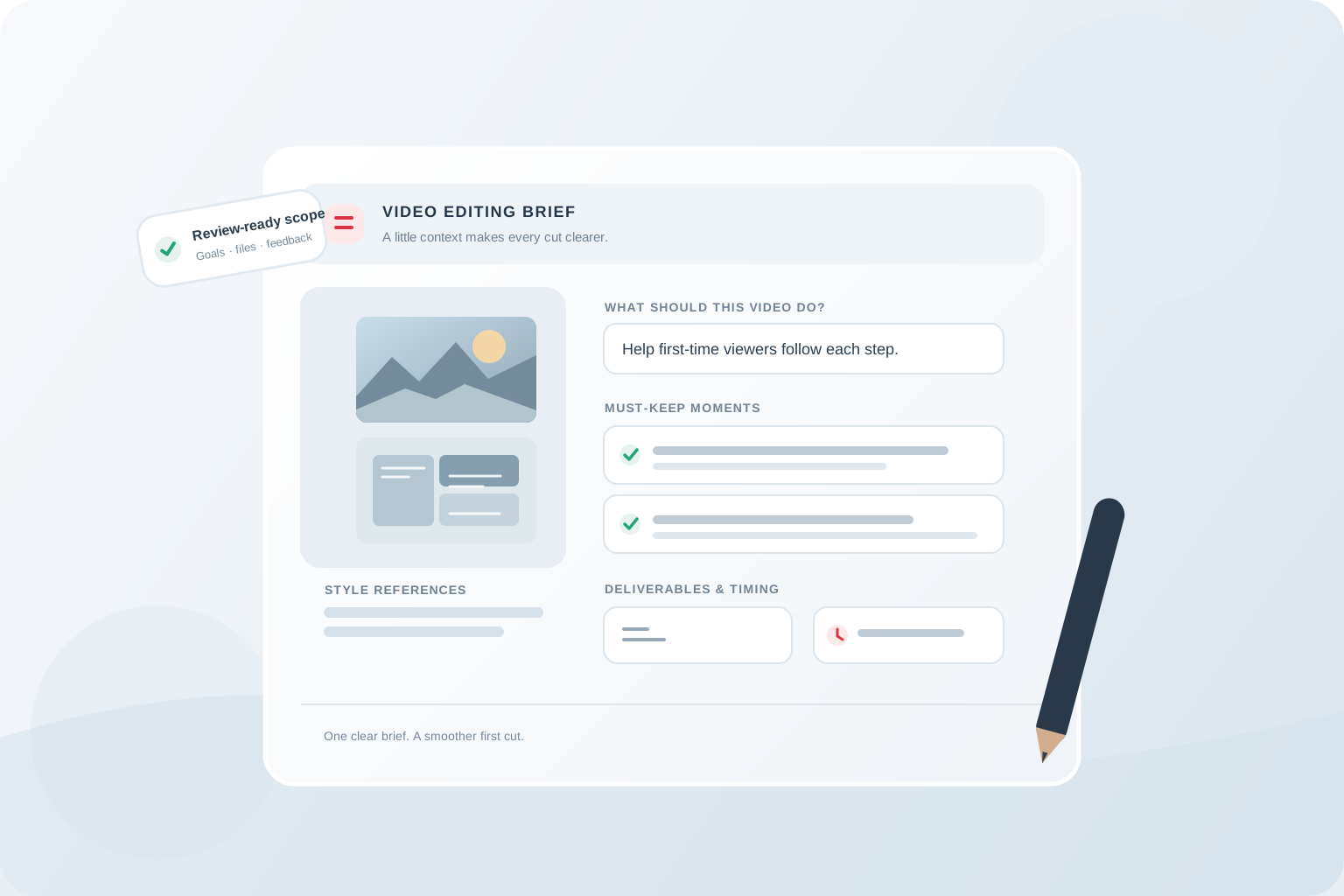
Before work starts, agree what counts as a revision. Correcting an edit against the brief differs from changing the concept, replacing supplied footage, or adding a new deliverable. The editing brief checklist can help you gather direction, must-keep moments, and review notes in one place.
Make the decision on a real project
If you are still unsure, use a clearly scoped first project as a working test. Send representative footage, a concise brief, and references that show what you like and dislike. Evaluate how the service interprets the goal, communicates questions, and handles the review, along with the final craft. Avoid asking for extensive unpaid work as a test; a short paid project with clear deliverables is more informative and respectful.
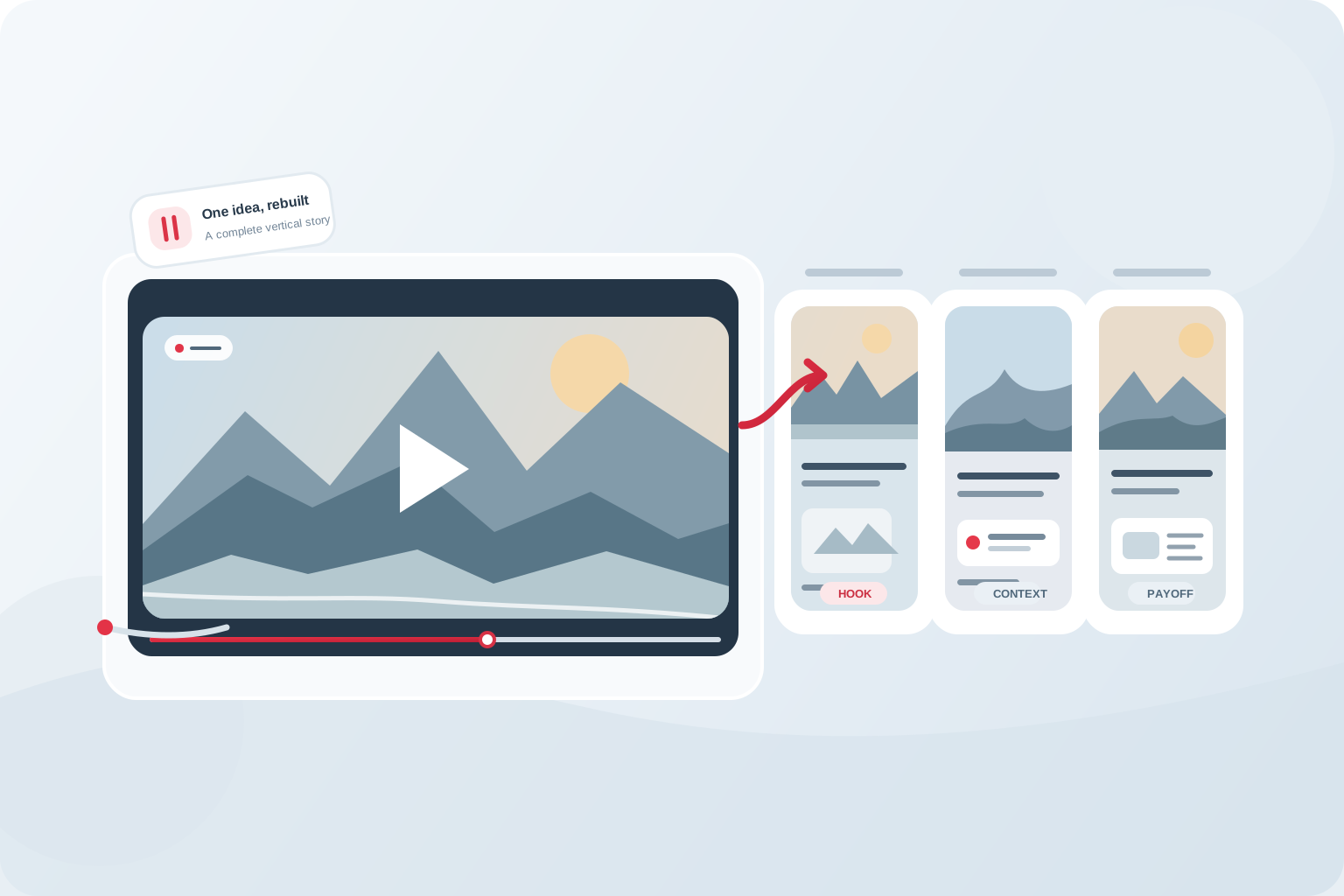
For EdiCut, the stated workflow is to choose a suitable package, share the footage and references, agree on limits and schedule, then review the first cut in the project workspace. You can contact the team with your format, footage duration, desired finished length, upload cadence, and any unusual requirements to discuss fit before proceeding. If you also plan to publish cutdowns, see how to repurpose a YouTube video into Shorts before deciding whether that work belongs in the same brief.
- Format and intended viewer
- Raw-footage duration and expected finished length
- Links to two or three style references, with notes on what to borrow
- Must-keep details, sensitive material, and anything to exclude
- Deliverables, target date, and your revision expectations
The takeaway
Choose an editor by matching the real work, agreeing on scope before editing, and making sure the feedback process gives you a clear way to review the result.
Common questions
What should I ask before hiring a YouTube editor?
Ask for relevant examples and clarify raw-footage limits, finished length, deliverables, revisions, timing, asset responsibilities, and how feedback is collected.
Should I choose a freelancer or an editing service?
Choose based on the work and communication setup you need. Compare the actual editor or team workflow, availability, scope, and how continuity is handled rather than assuming one model always fits better.
Does a portfolio guarantee the same result for my channel?
No. EdiCut’s portfolio currently presents credited reference examples, not proof of EdiCut-produced work. Use them to discuss direction, and ask the team whether they can share relevant work. Your footage, brief, scope, and review decisions also shape the result.
Are Shorts and thumbnails normally included?
They may be separate deliverables. Confirm whether each is included, what versions are supplied, and whether additional scope affects price or schedule.