Production planning
The YouTube Video Editing Brief Checklist (With a Sample Brief)
A concise brief reduces guesswork. Use this checklist and sample to explain what the video should communicate and how you will review it.
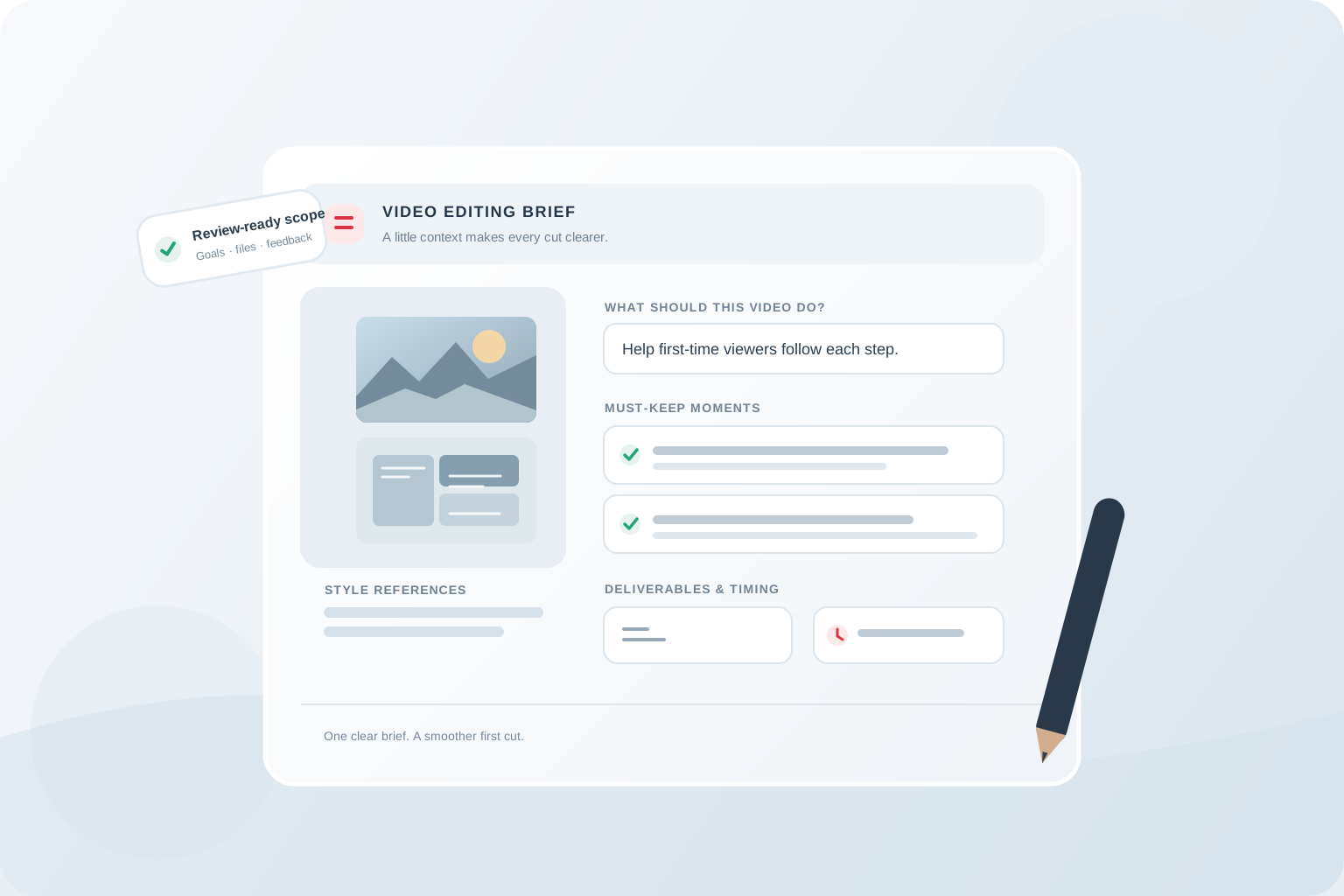
A good YouTube video editing brief does not prescribe every cut. It gives the editor enough context to make useful decisions and tells them which decisions belong to you. Without that context, “tighten this up” can mean removing pauses to one person and changing the structure to another.
Use this checklist before transferring footage. It works for a freelancer or a service such as EdiCut, where the team agrees footage limits, finished length, visual treatment, schedule, and revisions before editing begins.
1. State the outcome and viewer
Start with the topic, intended viewer, and the one thing that viewer should understand, feel, or be able to do by the end. If the video answers a question, write the question plainly. If it tells a story, say what changes between the beginning and ending. This context helps the editor recognize which details build the central idea and which are digressions.
Include a working title or promise if you have one, but flag it as provisional. The edit should support the content the footage can actually deliver. If the title implies a test, for instance, the video needs enough context to show what was tested and what the result means.
2. Inventory the material
List the files and explain how they relate. Mention total recording duration, camera or audio tracks, screen recordings, B-roll, graphics, script, and any existing selects. A folder with “final-final-2” filenames makes an editor guess which take you mean. Use consistent names or a short file list, and identify the preferred version where there are duplicates.
Call out missing pieces early: a product close-up you plan to record later, a graphic still being approved, or a section where the audio is unclear. Share files through a method with the appropriate access permissions. If the editor needs to find highlights in a long recording, say so explicitly; locating moments is part of the task, not an invisible extra.
- Total raw-footage duration and desired finished length
- Camera, microphone, screen-recording, or game-audio tracks
- Scripts, outlines, B-roll, logos, and supplied graphics
- Preferred takes, known technical issues, and outstanding assets
3. Separate must-keep facts from preferences
Mark names, claims, steps, safety information, legal language, and key conclusions that must remain accurate. Identify spoilers, private details, mistakes that must be removed, and moments that can be shortened. If you provide a script, explain whether the editor may rearrange sentences or only trim within sections.
Then describe style in observable terms: “keep the host on screen while explaining the result,” “use captions only for technical terms,” or “leave a beat after the punchline.” Avoid vague superlatives without examples. A channel reference is most useful when you timestamp a moment and say what the editor should learn from it.
4. Specify the handoff
List the output you expect: a single horizontal video, a particular file format if required, captions, a separate vertical cut, or other agreed work. Say whether there is a target upload date and when materials will be ready. Confirm scope, footage limits, delivery timing, revision rounds, and any add-ons with the editor before production; package details vary and should be checked against current terms.
If you want a Short from the finished video, identify it now rather than hoping it appears as an automatic extra. The companion guide on repurposing a YouTube video into Shorts explains why selecting a standalone idea comes before choosing a crop. For choosing the right partner and comparing package scope, see how to choose a YouTube video editing service.
5. Sample brief you can adapt
The example below is intentionally compact. Replace the bracketed details, attach the footage inventory, and link the references. It tells an editor the purpose and boundaries while leaving room for craft decisions. If you have not chosen who will edit it yet, use this brief when comparing options in our guide to choosing a YouTube video editing service.
- Project: [working title] — [tutorial / review / commentary / vlog]
- Viewer and outcome: [who it is for] should [understand or do what] by the end.
- Footage: [total duration], [camera/audio tracks], [script or outline], [B-roll/assets]. Preferred takes: [file names or timestamps].
- Must keep: [facts, steps, moments]. Cut or protect: [mistakes, private details, spoilers].
- Style: [reference link + timestamp] because [specific quality]. Please avoid [specific treatment].
- Deliverables and timing: [agreed video/version], materials ready [date], target review [date]. Confirm package limits and schedule before starting.
- Review owner: [one person]. Please flag any unclear claims or missing footage before locking the cut.
6. Give useful notes on the first cut
Watch the full cut before sending detailed notes. First judge the overall story: does it make sense, does the opening match the rest, and is anything important missing? Then send concise timestamped feedback. Describe the effect you want and the reason; where possible, suggest a direction without insisting on a frame-by-frame solution.
For example, “At 02:14, the result appears before we see the setup. Could we move the setup earlier so the comparison is understandable?” is easier to act on than “This part feels weird.” Group related notes and ask collaborators to consolidate their feedback. This keeps a revision round focused and helps distinguish corrections from a new creative direction.
The takeaway
A strong brief makes the audience, purpose, boundaries, footage, and review owner clear. That gives an editor direction without asking them to guess what matters.
Common questions
How long should an editing brief be?
Long enough to identify the viewer, central message, footage, must-keep details, style references, deliverables, and timing. A concise brief with specific examples is more useful than pages of vague adjectives.
Do I need a finished script?
No. A script, outline, or short description of the intended story can all provide context. State whether the editor can rearrange material or should preserve a fixed sequence.
How should I share style references?
Link to a relevant example and point to a timestamp, then explain the specific pacing, sound, captions, or visual treatment you want considered.
Can I add deliverables after editing starts?
Ask the editor to confirm the impact on scope, price, and timing. A new format or cutdown can require additional work, so include likely versions in the original discussion.