Short-form editing
How to Repurpose a YouTube Video Into Shorts That Stand Alone
A useful Short is a small piece of storytelling, not simply a vertical crop. Find one complete thought, then rebuild it for the smaller format.

Repurposing a YouTube video into Shorts is editorial work before it is formatting work. A vertical frame cannot supply missing setup when a clip starts halfway through a thought. Choose a source moment with a small, understandable arc.
This guide walks through finding that moment, adapting its context, and checking the vertical cut. If you are commissioning the edit, discuss short-form cutdowns as their own scope with an editor such as EdiCut; they are not automatically included with every long-form edit.
Find a complete idea, not just a loud moment
Rewatch the long video with a simple question: which moments would still make sense to someone who has not seen the rest? Look for a compact explanation, a before-and-after, one surprising but supportable observation, a clear answer, or a story beat with its own setup and payoff. A strong reaction may be attention-grabbing, but if the viewer cannot understand what caused it, the clip needs context or a different selection.
For each candidate, write the idea in one sentence. Then note the minimum setup required, the key moment, and the payoff or conclusion. If the setup consumes the entire clip or the ending depends on a later section, it may not be a good candidate. You can use a rough transcript or timestamps to shortlist moments, but watch each candidate in context before cutting it.
- What question or problem does this clip answer?
- What information must the viewer know first?
- Where does the idea resolve, and does the clip end there?
- Does the clip represent the source fairly without changing its meaning?
Rebuild enough context to make it understandable
A clip can be true and still be confusing outside its original sequence. Pronouns, references to earlier examples, or conclusions that depend on a comparison may leave a new viewer behind. Add setup only when it accurately reflects the source; do not turn a qualified opinion into a universal claim.
Start close to the useful moment, but preserve the words that establish the subject. Remove distracting pauses and repetition while leaving breathing room. If the thought needs a long explanation, choose another moment or make a separate piece with new narration.
Reframe the picture for vertical viewing
A center crop is a starting point, not a finished decision. Keep the active speaker or key object visible. In a conversation, a static crop may hide the listener whose reaction gives the moment meaning; in a demonstration, it may cut off the hands or product. When subjects move, review the full sequence for framing changes rather than checking only the first frame.
If the source includes a wide shot, screen recording, or several important elements, decide what deserves attention at each beat. You might use a readable close crop, alternate between a face and a demonstration, or retain a clean inset when the full screen matters. Avoid shrinking the important material until it becomes unreadable. Captions should be checked for line breaks, names, technical terms, and safe placement where platform controls do not obscure them.
Use sound and graphics to clarify
Dialogue should remain intelligible on a small phone speaker. Listen for changes between source clips, distracting background sound, and music that competes with speech. If you add captions, treat them as support for comprehension, not a substitute for clear audio. Keep effects and graphic emphasis proportional to the content and the channel’s style.
A Short can feel fast without cutting every pause; a beat before a reveal or after a joke can help the idea land. Check captions and graphics on a phone-sized preview, and keep claims consistent with the source.
Give the clip its own opening and ending
The first seconds should tell viewers what they are watching or set up a question the clip answers. That does not require a dramatic promise. A direct sentence such as “Here is why the smaller lens changed this shot” can give a viewer a useful reason to stay, provided the clip follows through.
End on the resolution, not on an accidental mid-sentence cutoff. If you add a call to action, make it fit the clip and leave time to understand it. A teaser toward the full video can help when the long version offers relevant detail, but the Short should still deliver a complete piece of value by itself.
Review the Short as a new piece
Do a first watch without pausing. Can a viewer unfamiliar with the source explain the point? Then inspect the opening, crop, captions, sound, and ending separately. Finally compare the cut to its source to make sure the edit has not removed a qualification or changed the order in a misleading way.
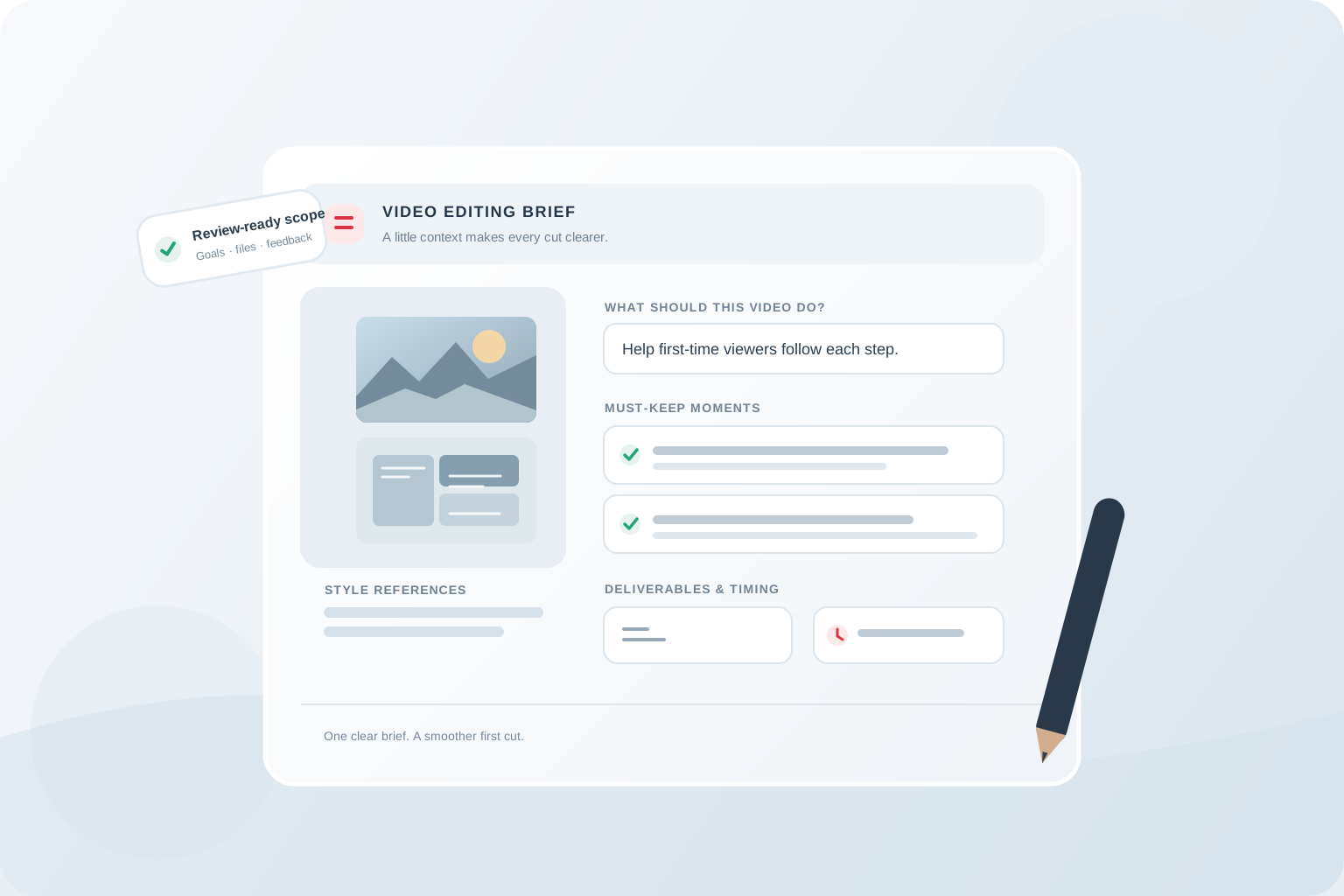
When sharing work with an editor, supply the source timestamp, the intended standalone idea, any required context, the desired platform version, and your style references. The video editing brief checklist has a sample format you can adapt. For a broader comparison of editors, read how to choose a YouTube video editing service. EdiCut’s process is to agree on deliverables and scope before work begins, then review the cut and leave timestamped feedback in the project workspace.
- The clip makes sense without the long video
- The first frame and opening establish a clear subject
- Important faces, objects, and on-screen details stay visible
- Captions and graphics are accurate and readable on a phone
- The final words complete the thought and preserve the source meaning
- The requested aspect ratio, duration, and deliverables match the agreed brief
The takeaway
Treat every Short as a miniature story: select a complete source idea, restore the context it needs, reframe deliberately, and review it on its own terms.
Common questions
Can any part of a long YouTube video become a Short?
Not every passage works out of context. Choose a moment with a clear idea, enough setup to understand it, and a real resolution; otherwise select another moment or add accurate context.
Is cropping a horizontal video enough?
Usually it needs a framing review. Keep the active speaker or important object visible throughout, and check demonstrations, movement, captions, and screen content in the vertical frame.
Should I add captions to every Short?
Captions can help viewers follow speech, but they should be accurate, readable, and placed where they do not cover important visuals. Confirm the desired caption treatment in the project scope.
Are Shorts included with a long-form editing package?
Short-form cutdowns have their own scope. Check the current pricing options or ask EdiCut to confirm deliverables before editing begins.