Production planning
Video Podcast Editing Checklist: From Recording to Final Review
Prepare the tracks, preserve the conversation, and hand over an episode with a clear plan.
A useful video podcast editing checklist covers source files, synchronized sound, conversation structure, camera choices, and the final deliverables. Agree on those items before handing over the recording so your editor can focus on the discussion instead of guessing which track or version to use.
This guide walks through a full episode from file preparation to review. Use it for a single-camera interview or a multi-camera conversation, and adapt the scope with EdiCut’s podcast video editing service when you need a managed handoff.
1. Define the episode and the versions you need
Start with the number of speakers, camera angles, recording duration, and intended finished length. List each output separately: the complete video episode, an audio-only version if needed, caption files, or selected promotional clips. Confirm who supplies opening music, sponsor graphics, show artwork, and the approved names and titles.
A conversation with three cameras and separate microphones is a different editing task from one continuous camera file. Finding highlights is also work, so say whether you will provide selects or need the editor to identify them. Check current package scope and agree on timing, revision rounds, and additional versions before the edit starts.
2. Label the original camera and audio files
Keep the original recordings intact and organize a working copy for handoff. Group files by episode and identify the speaker or camera angle in each name. If a camera split the session into several files, explain their order; do not quietly discard a segment because it looks like a duplicate.
Provide each separate microphone track when available, along with any reference mix. Note missing sections, a camera that stopped early, or a microphone that distorted. These details affect the edit plan. Share access to the project folder, then check that the editor can open the necessary files without making the folder public. Our sample editing brief gives you a compact place to collect this information.
- Episode identifier and a file list with speaker and camera labels.
- Original camera files, separate audio tracks, and a reference mix if available.
- Episode outline, approved names, sponsor wording, and brand assets.
- Known recording issues, required removals, and any footage still to come.
3. Verify picture and sound throughout the recording
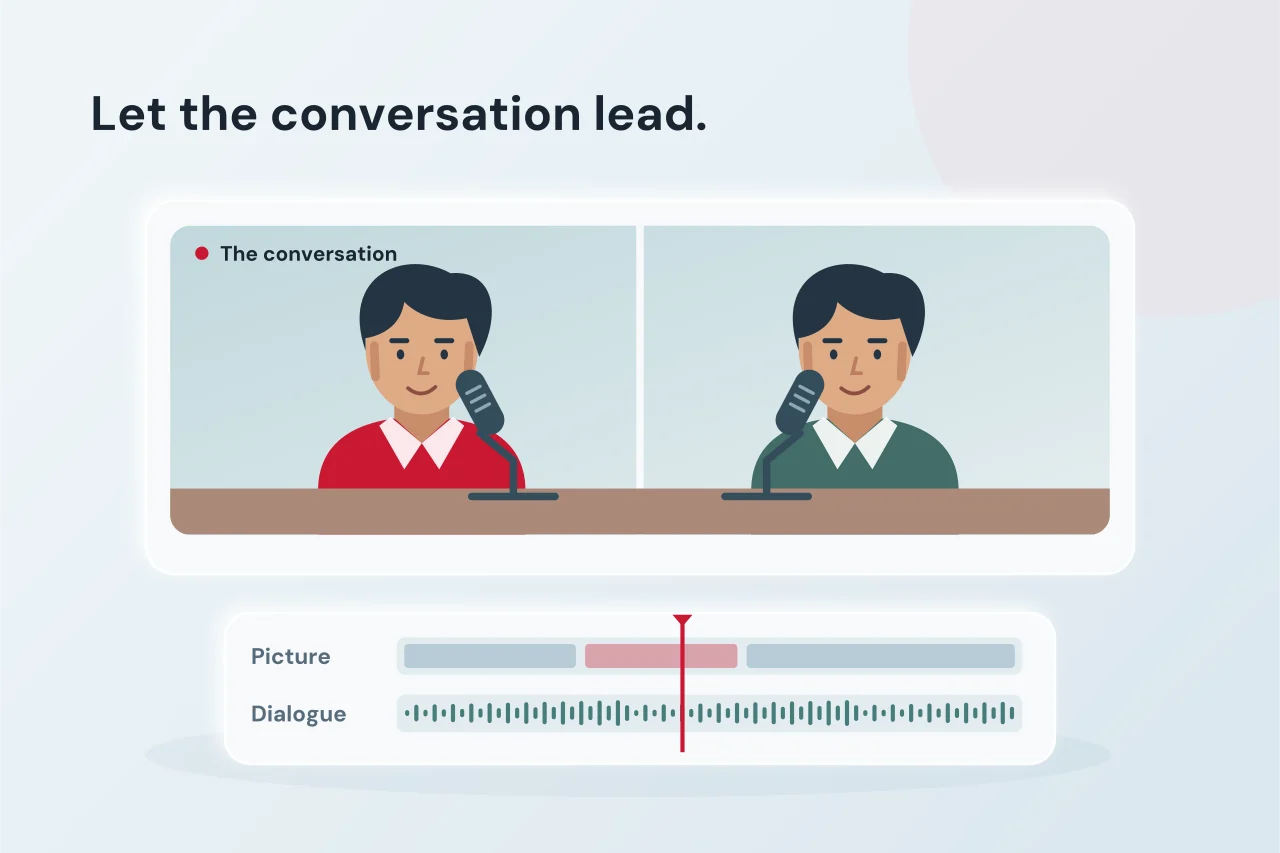
Ask the editor to check sync near the beginning, middle, and end of the conversation. A visible clap or another shared reference can help align tracks, but a correct opening does not guarantee the whole recording stays aligned. Look at lip movement and listen for a doubled or echoing voice when several tracks overlap.
If there is drift, identify which source changes and where, rather than shifting the whole episode until one passage happens to fit. Keep a note of corrections so later revisions use the same reference. A short camera dropout may need a different angle or an agreed visual cover; it should not be hidden by cutting away a sentence that matters.
4. Tighten the conversation without changing its meaning
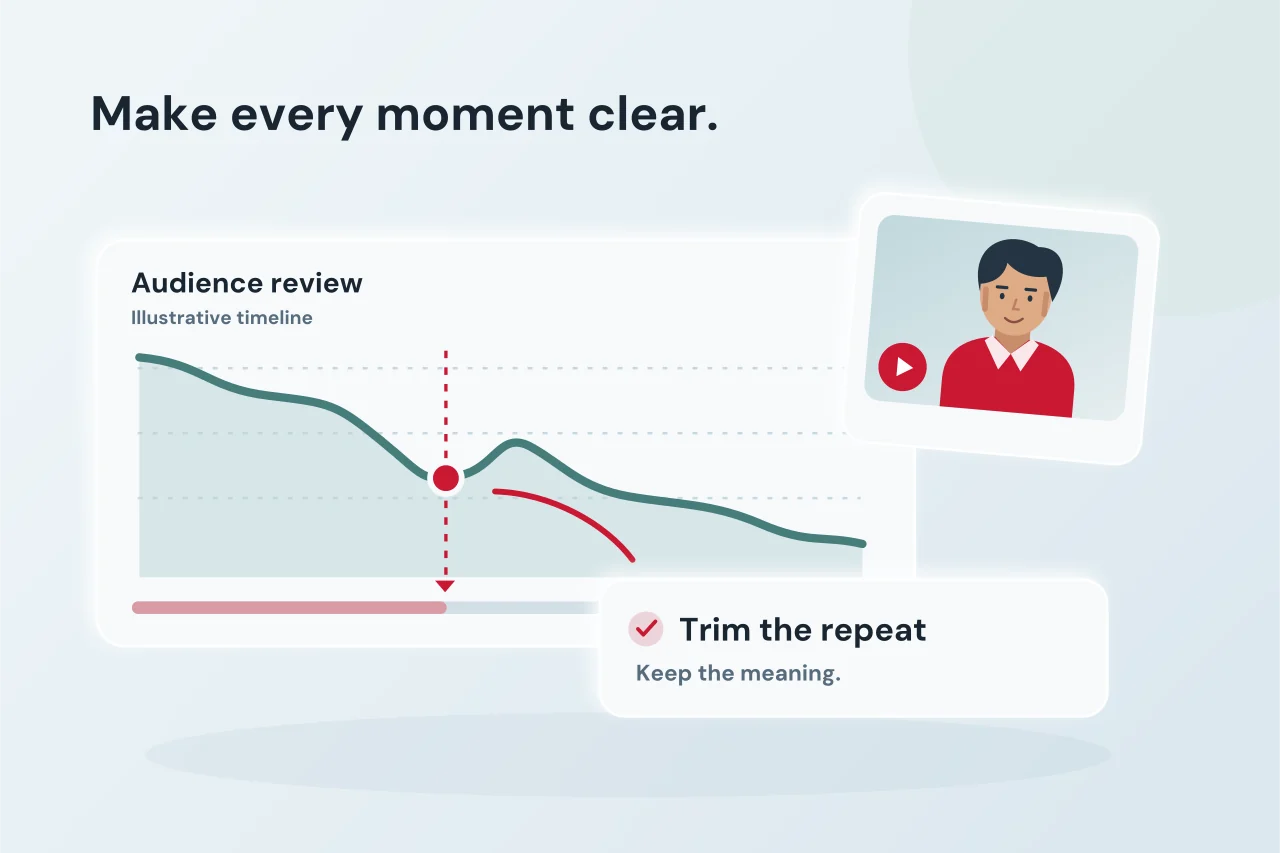
Mark repeated explanations, abandoned starts, private details, and interruptions that can be removed. Keep a question when the answer depends on it. Protect qualifications such as “in this example” or “for a beginner”; deleting them can turn a limited observation into a claim the guest did not make.
Give the conversation room to sound human. A brief pause, laugh, or listener reaction may explain the next response. If you want a stronger opening, choose a moment that represents the episode honestly, then make the transition into the full discussion clear. For evaluating slow sections, the audience retention editing checklist offers a way to write specific notes instead of requesting constant cuts.
5. Make camera changes follow the exchange
Use the active speaker as a starting point, then consider when a reaction or a wider shot adds meaning. Cutting at every change of voice can become distracting when people overlap or give short acknowledgments. Let a wider view carry a lively exchange when separate close-ups would make it harder to follow.
Check continuity across camera angles: body position, a lifted cup, a shared object, or the direction someone is looking. On a single-camera episode, a clean continuous shot may be the right choice. Use supplied B-roll or an agreed graphic when it explains a reference, rather than treating additional visual layers as a requirement.
6. Review dialogue, names, and on-screen details
Listen for uneven speaker levels, background hum, abrupt room-tone changes, and music masking the conversation. Review on headphones and a phone speaker. Prioritize understandable dialogue; heavy processing can make a voice sound less natural, and damaged source audio may need a pickup rather than more cleanup.
Check captions against the actual speech, including guest names, specialist terms, numbers, and negations. Confirm that speaker labels, opening titles, sponsor copy, and links match the approved brief. If a tool generates a transcript or finds suggested clips, treat that output as a draft requiring a person to check the source.
7. Plan full episodes and promotional clips separately
For YouTube, a podcast show is a playlist and its episodes are videos. YouTube’s podcast setup guidance says the podcast playlist should contain full-length episodes in the order they should be consumed. Supporting Shorts do not appear in YouTube Music. Keep clips separate from the full-episode playlist.
Choose a clip because it delivers a complete thought, not because it contains the loudest sentence. Record its source timestamp, necessary context, intended framing, and destination. The guide to turning a long video into Shorts explains how to rebuild a conversation moment for a smaller frame. Confirm the number of clips and the work involved as part of the agreed scope.
8. Hand over one consolidated final review
Watch the episode all the way through before sending detailed changes. Then collect timestamped notes from the people responsible for approval. Name the source of the problem and the requested outcome: “At 18:42, the guest’s answer refers to the question we removed; please restore enough of that question to make the answer clear.”
Use the checklist below for the final pass. In EdiCut’s project workspace, keep the brief and feedback with the project so your manager and editor can follow the same direction. If you are unsure which deliverables fit your recording, send the team your episode details before booking.
- Picture and dialogue stay synchronized at the beginning, middle, and end.
- Questions, answers, and edits preserve each speaker’s intended meaning.
- Names, captions, sponsor wording, music, and supplied assets match the approved brief.
- The opening, closing, and camera changes play cleanly without accidental gaps.
- Full episode, agreed additional versions, filenames, and review status are clearly identified.
The takeaway
A smooth podcast edit starts with organized recordings and a clear list of outputs. Preserve the conversation, check sync and dialogue carefully, and review the complete episode before approving individual clips.
Common questions
Can a video podcast work with one camera?
Yes. A clear, well-framed single-camera recording can carry a conversation. Agree on the visual treatment and any supplied graphics or B-roll; extra camera angles are not a condition for a useful episode.
Can an editor repair badly recorded podcast audio?
Some noise and level problems can be improved. Clipped, missing, or heavily distorted speech may not be recoverable. Flag problems early and agree whether to keep the section, use another source, or record it again.
Are social clips included in podcast editing?
Only when they are part of the agreed deliverables. Clip selection, vertical reframing, captions, and alternate versions take additional work. Confirm the number and treatment before the episode edit begins.
Should promotional clips go in my YouTube podcast playlist?
YouTube’s podcast guidance calls for full-length episodes in the podcast playlist. Keep promotional clips separate and use an accurate title and description to point viewers toward the relevant full episode.