Creator workflow
YouTube Audience Retention: A Practical Editing Checklist
Turn retention graphs into thoughtful edits, clearer openings, and useful review notes.
Use this YouTube audience retention editing checklist to find moments where the promise, explanation, picture, or sound stops serving the viewer. Review the surrounding footage, then give your editor a specific change to consider instead of asking them to make everything faster.
The goal is a video people can follow and a repeatable way to learn from each upload. Here is how to combine the audience report with editorial judgment, whether you edit yourself or work with EdiCut’s YouTube video editing service.
1. Read the retention report in context
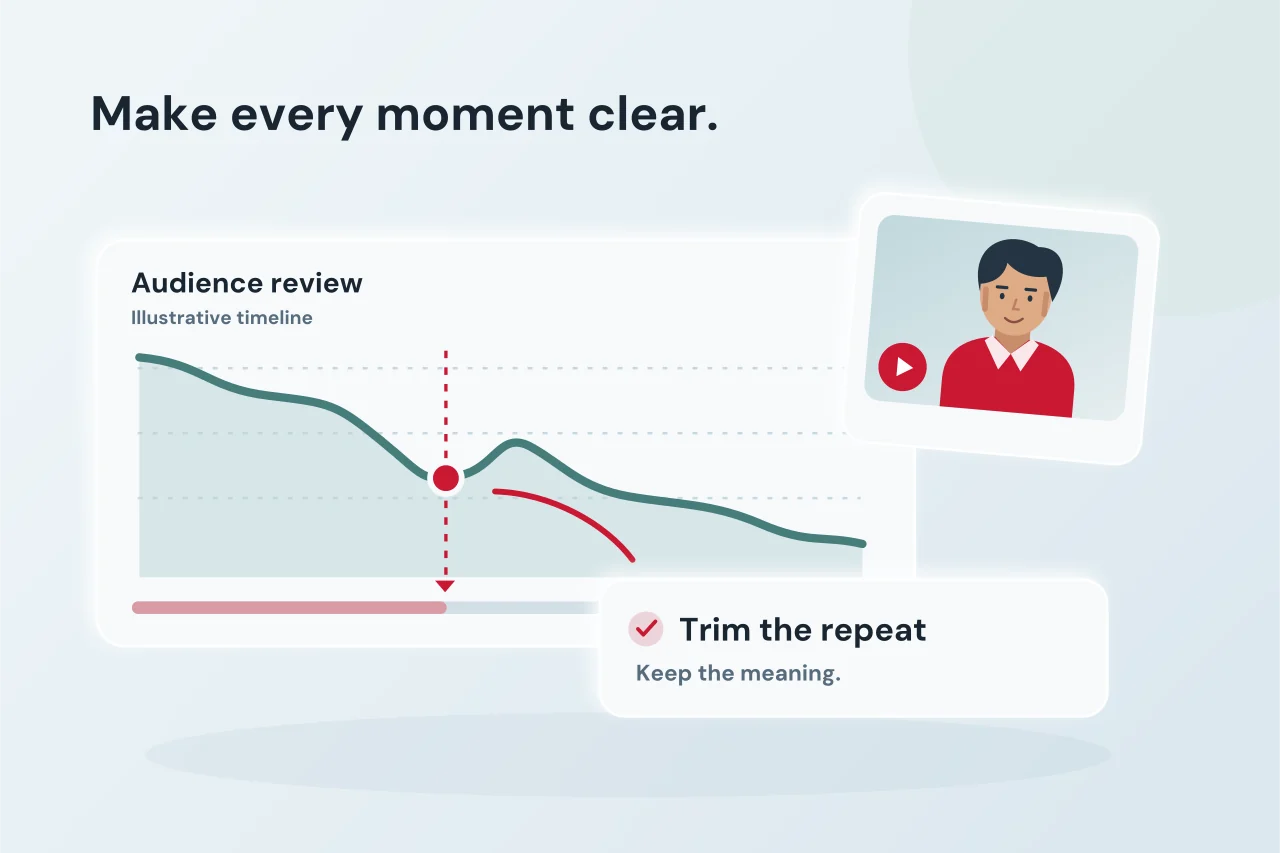
Open a video’s Analytics in YouTube Studio and find its audience retention report. YouTube’s key moments guidance explains that dips can indicate skipped sections or people leaving; spikes can reflect rewatching or sharing, but can also mean a passage was unclear. The opening report looks at viewers still watching after the first 30 seconds. Data typically takes one to two days to process.
Watch the section before and after a change in the graph. Write down what a viewer actually encounters: a repeated introduction, a silent loading screen, an unexplained result, or a transition to a new subject. A shape on a graph gives you a place to investigate; it does not tell you the cause by itself. Keep a short list of observations so one unusual moment does not drive a complete style change.
2. Make the opening match the title and thumbnail
Before adding a dramatic hook, describe what the viewer expected when they clicked. A product comparison should establish the products and the comparison; a tutorial should make the task recognizable. If the video begins with unrelated channel updates, decide whether those updates belong after the first useful point or in another format.
Try a plain opening that states the task, shows the problem, or previews an honest result. Keep whatever setup is necessary to understand the answer. The editor and the person planning the YouTube thumbnail should work from the same promise, so the packaging and the footage support one another. More intense music cannot repair a mismatch between the promised subject and the actual video.
3. Trim repeated setup, not every quiet moment
Mark explanations that repeat the same information without adding evidence, a new step, or a useful example. An editor can often join the strongest setup to the strongest explanation, but should check that the shortened version still has a logical sequence. Removing a sentence that contains the only definition of a term can make the next section harder to understand.
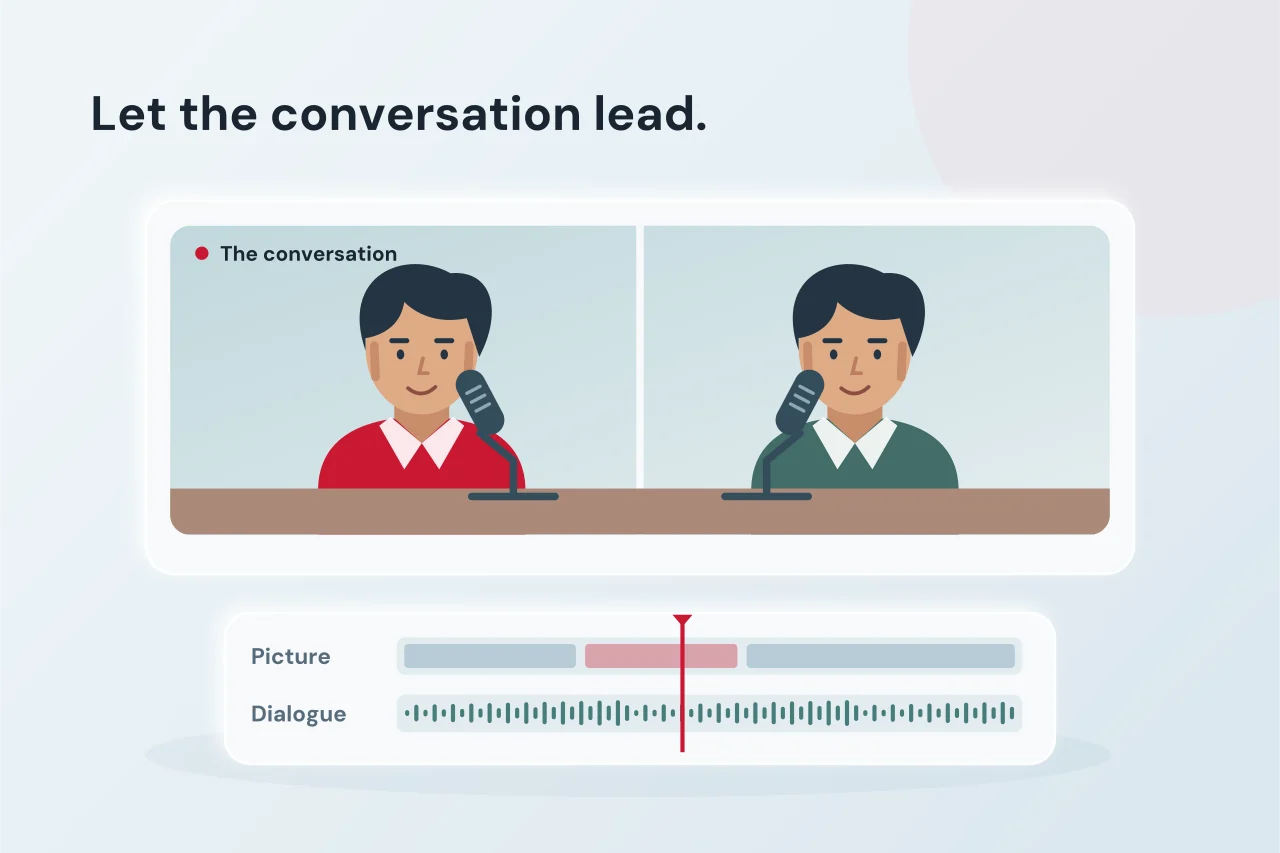
Listen for the purpose of each pause. Waiting for a page to load is different from giving the viewer time to inspect a comparison. Keep room for a reaction, a reveal, or a difficult instruction when it helps the idea land. For conversations, apply the same approach to the video podcast workflow: tighten repetition while preserving the speaker’s qualification and tone.
4. Show the detail the viewer needs next
Use supporting footage where words alone leave a gap. If the host describes a camera setting, show the setting at a readable size. If two results are being compared, hold them long enough to inspect and label them consistently. A cutaway should answer a question or guide attention, rather than interrupt the point just to create movement.
Check captions, diagrams, screen recordings, and product labels in a phone-sized preview. Look for a missing subject, a pointer that arrives too late, or a graphic that covers the relevant control. A simple visual can do more than several decorative layers when it appears at the exact moment the explanation needs it.
5. Reduce the effort of listening
Watch once on headphones and once through an ordinary phone speaker. Note dialogue that drops in level between takes, music that masks a key sentence, or an effect that distracts from a demonstration. Ask for a consistent, understandable listening experience before adding another sound effect.
Review automated transcripts and captions against the recording, particularly names, numbers, and technical terms. Tools can help prepare a draft, but the final check needs the source and the intended meaning. Flag clipped or badly recorded audio early: editing may improve a recording, but it cannot reliably restore information that was never captured.
6. Turn an observation into a review note
Use four parts: timestamp, observation, proposed direction, and a detail to protect. The following is an illustrative note for a fictional tutorial, not an EdiCut case study or a measured performance result.
“At 01:40–02:05, we explain the export choice twice before showing the settings. Please keep the clearest explanation and bring the settings screen forward. Preserve the warning about overwriting the original file, and leave enough time to read the selected option.”
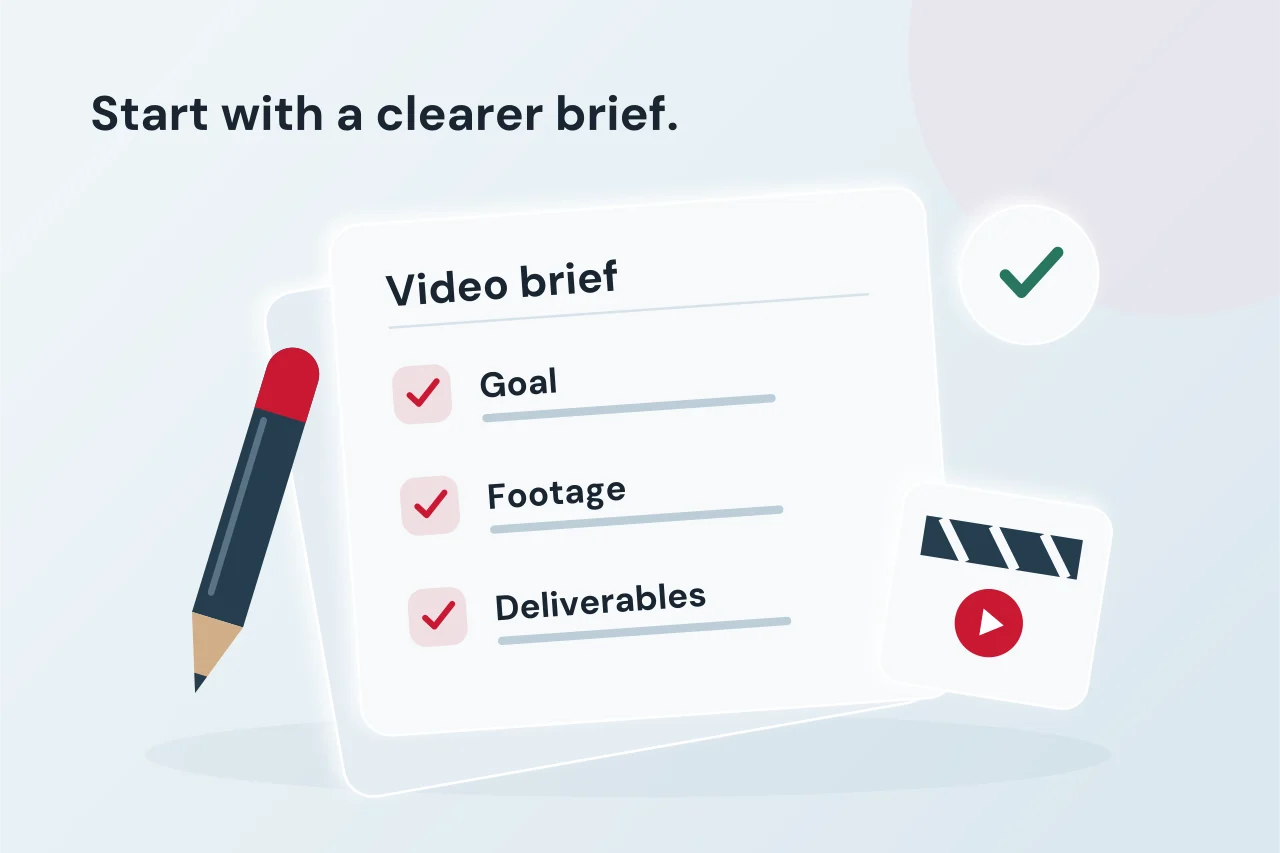
This tells an editor what is difficult and what must survive the change. Add the note to your editing brief or revision checklist, alongside the intended viewer and the video’s promise. EdiCut’s project manager can help keep the direction and review notes together; the editor then shapes the cut against the agreed scope.
- Identify the exact moment and the surrounding context.
- Describe the comprehension problem, not just the graph movement.
- Suggest one focused adjustment to test in the draft.
- Name any fact, qualification, or visual detail that must remain.
7. Compare future uploads without jumping to conclusions
After publishing, keep a short editing log: what changed, why it changed, and what you observed later. Compare videos with a similar format and viewer task. Topic, packaging, audience, and how people found the upload can differ, so a better-looking curve does not prove that one cut caused the improvement.
Bring the useful observations into the next brief. If you want a team to handle that process with you, explore why creators choose EdiCut, then check the current editing packages. A clear brief and considered review are work you can control; views and rankings are outcomes no editor can promise.
The takeaway
Use retention data to choose a moment to inspect, then use editorial judgment to decide what to change. The strongest revision note explains the viewer’s difficulty and protects the meaning of the video.
Common questions
What is a good audience retention percentage?
There is no single target that makes every format successful. Consider length, subject, viewer expectations, and comparable videos on your channel. Review where people lose the thread before turning a percentage into an editing instruction.
Should my editor remove every pause?
No. Remove empty waiting or repeated setup when it adds nothing, but preserve pauses that let a viewer read, understand a step, or feel a reaction. Review the complete passage after shortening it.
How can I share retention information with an editor?
Share a relevant screenshot or a short summary with timestamps, the video’s goal, and your observations. You do not need to share account passwords or grant channel access to communicate these notes.
Can editing alone fix low retention?
Editing can improve clarity, structure, pacing, and sound. It cannot guarantee interest in the topic or correct every mismatch between the title, thumbnail, and recorded material. Review those choices together.